


Knowledge Base
Encuentra respuestas a tus dudas
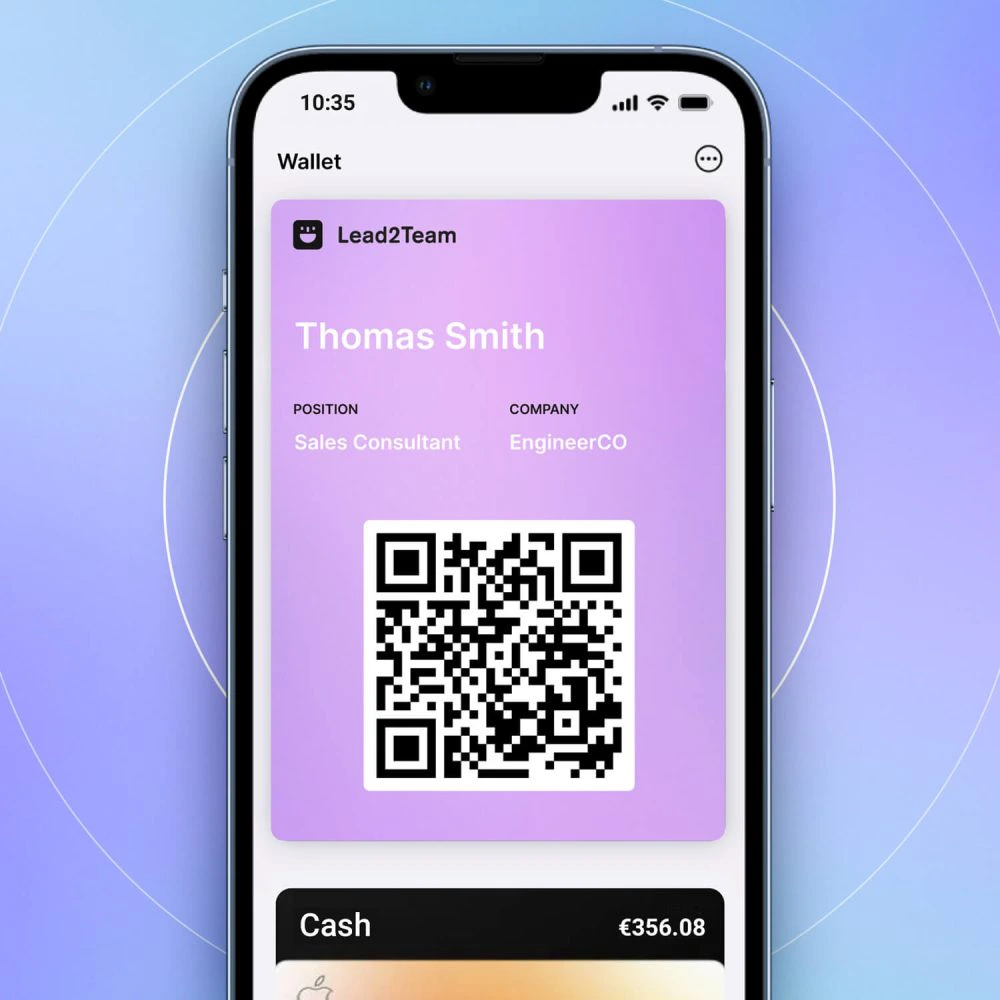
Email signature with QR
The email signature is an image that includes a QR code linked to your digital card. It is compatible with any provider (Gmail, Outlook). How to...
Export contacts
Download the contacts collected by your cards in Excel to import them into your CRM. How to export Automation If you prefer to do it automatically, you can activate the...
Send via social networks
Share your card on LinkedIn, WhatsApp, Instagram or any social network. LinkedIn WhatsApp Instagram 💡 **Tip:** Accompany the link with a short and personal message....
How to send onboarding emails
The onboarding email is a personalized email that each team member receives with their digital card, instructions on how to add it to the wallet and...
Onboarding email does not arrive
If a team member does not receive the onboarding email, follow this diagnostic checklist. Checklist Quick solutions Problem Solution Solution Email in the onboarding folder...
Examples: Management vs. Commercial Staff
Two complete templates to replicate or adapt to your company. Management Template For CEOs, directors and C-level. Few connectors, focused on executive networking. Order Connector...
Examples of use cases
Real examples for different types of organizations. Case 1: Boutique consulting firm (5 people) Configuration: Individual connectors (each partner has a different profile) Partner Connectors Ana (Strategy)...
Mass card editing
Modify multiple card fields directly in Excel View, just like in a spreadsheet. ⚠️ **Important:** You need Team Manager enabled. How to edit massively...
Duplicate profile to create cards quickly
Clone an existing card with all its connectors and modify only the personal data of the new member. When to use duplication How to duplicate ⚠️ **Important:** The...
