
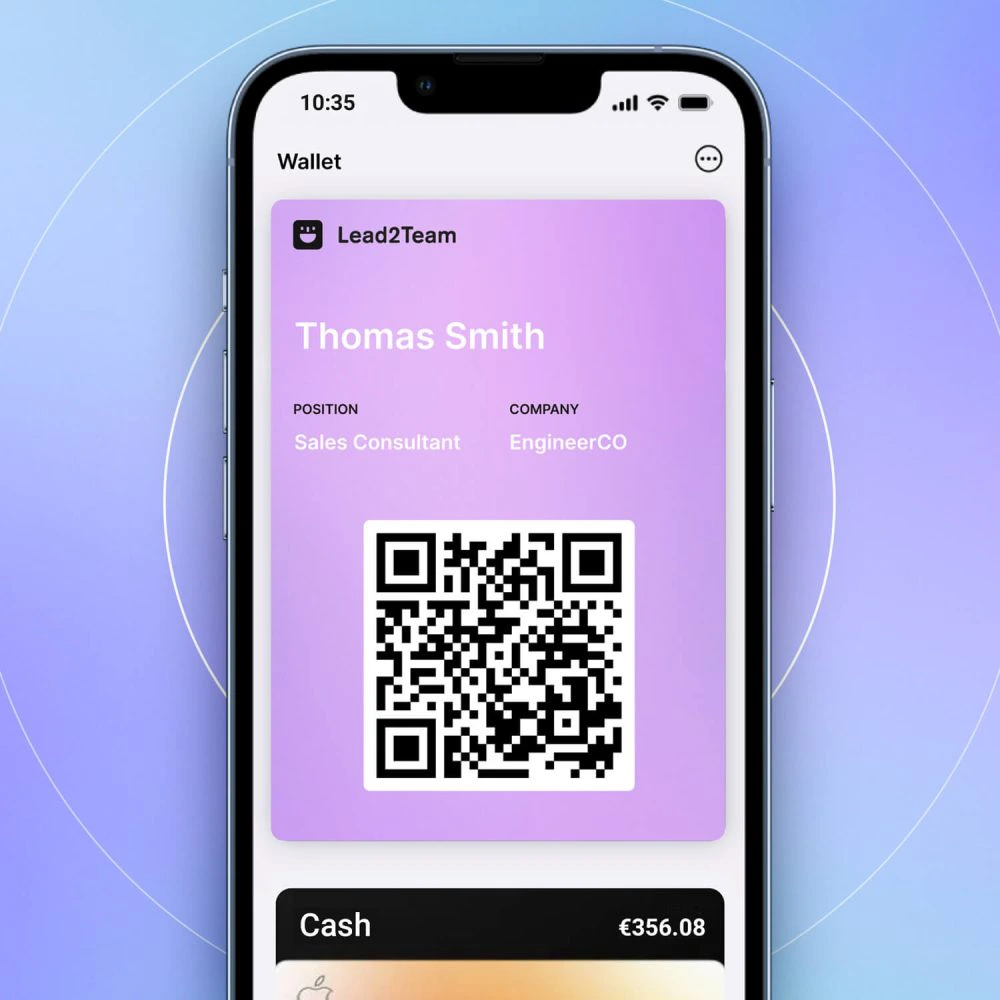



Clones an existing card with all its connectors and modifies only the personal data of the new member.
When to use duplication
- Multiple boards with the same connector structure
- A card model that works well and that you want to replicate
- Small team (2-10 people) with no need for templates
How to duplicate
- Go to Cards > Excel View
- Click on the Duplicate (you will see it at the end of the table, with the rest of the common actions)
- Edit the duplicate card and change the personal data (name, email, phone number...).
- Save and preview
⚠️ **Important:** Duplicate cards are independent. If you modify the original, the changes are NOT reflected in the copies. For that, use Templates.
💡 **Tip:** For teams of more than 10 people, use Templates instead of duplicating.
