


KB Category: customization
Custom fields and dynamic tags
Custom fields allow you to add additional information to the cards and use them as dynamic tags in the templates. How dynamic tags work When you...
Customize icons and texts
Customize the icons and texts of your connector buttons for a more professional experience. How to change the icon A gallery of icons and...
Personalized domain
Set up your own domain (e.g. cards.yourcompany.com) instead of the default Lead2Team subdomain. Advantages Advantage Description Professionalism URLs like cards.yourcompany.com convey more confidence Branding...
Create multiple custom designs
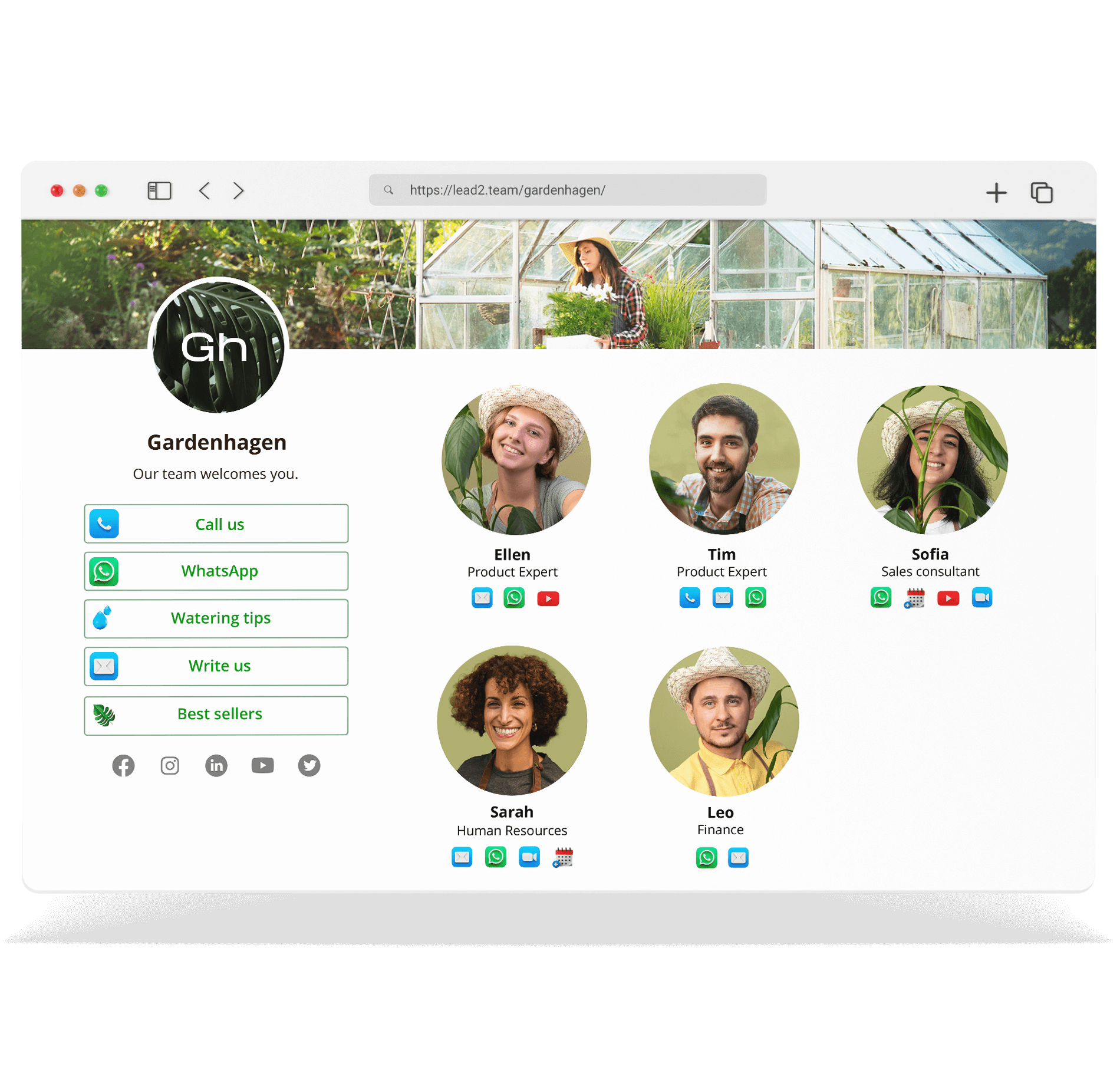
Create different layouts for departments, brands or sub-brands, all managed from a single panel. How to create a new design The design will be available to assign...
Configure company logo and branding
Configure the logo and colors of your company to project a professional image in the digital cards. How to configure the branding The logo you upload...
Assign design and language per person
Assign a different visual design and language to each card. Ideal for companies with multiple brands or international teams. ⚠️ **Important:** You need Team Manager...
Assign different design per card
From the Lead2Team platform you can create different card designs and then assign them to each card. For example, you can create a design for the team...
