
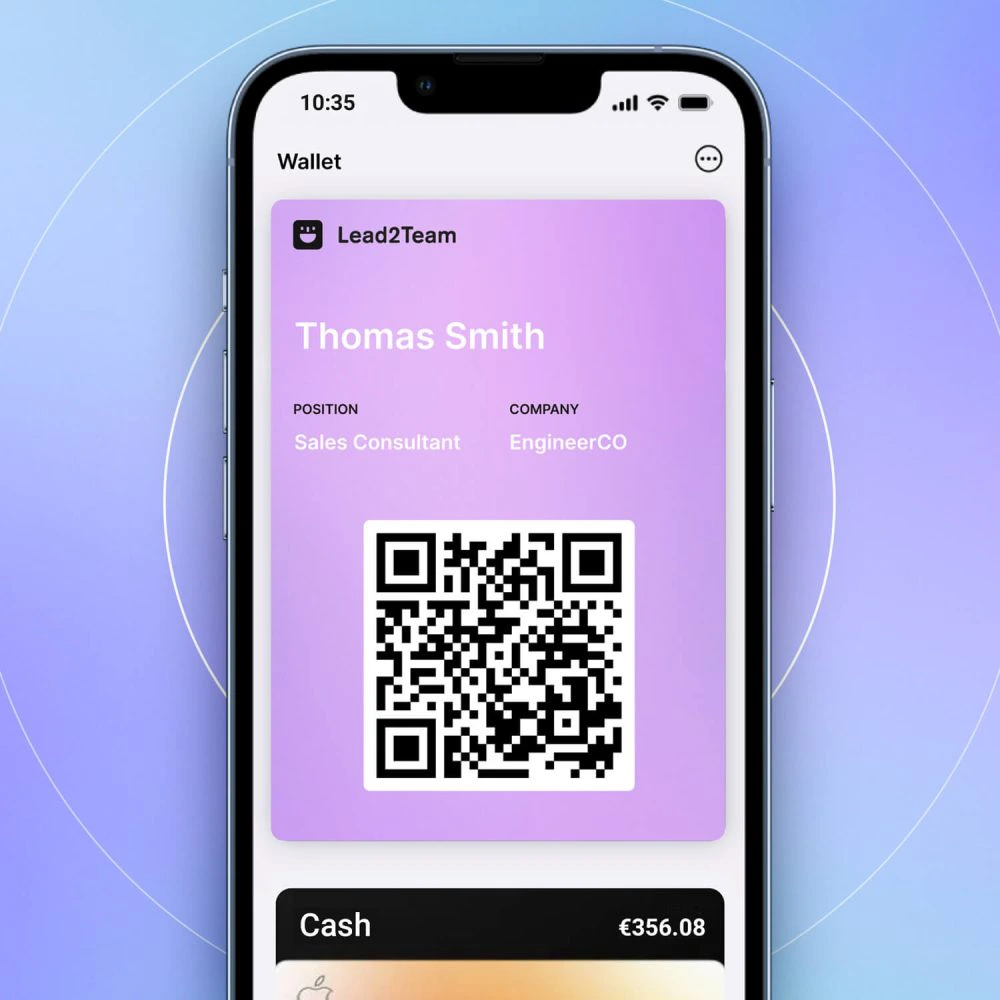



Configure your company logo and colors to project a professional image on the digital cards.
How to set up branding
- Go to Configuration > Company
- Upload your logo (PNG with transparent background or SVG, minimum 200x200px)
- Define the main color of your company
- Save and verify that it is displayed correctly
The logo you upload will be displayed in the header of the cards and in the footer of the cards web page.
💡 **Tip:** Use a PNG logo with transparent background so that it blends well with any background color.
