
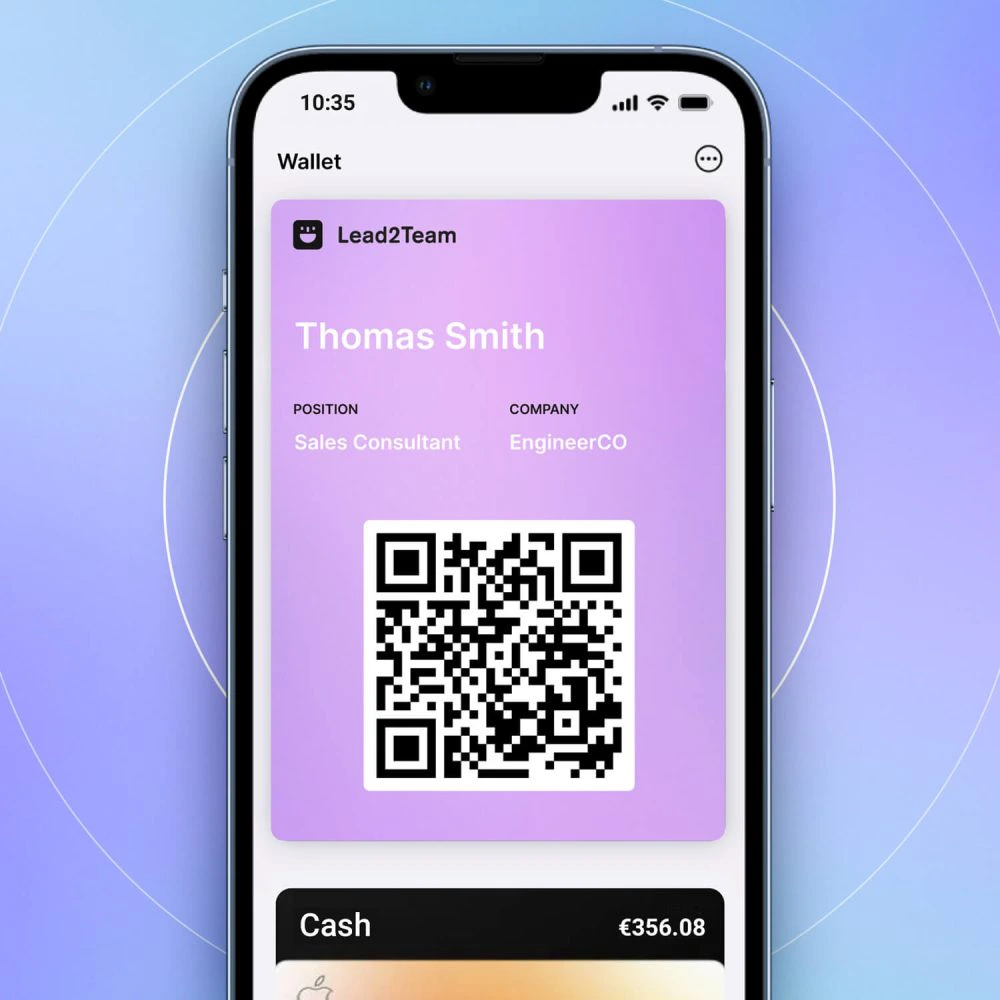



If the card does not display correctly, most problems have simple solutions.
Common problems and solutions
| Problem | Probable cause | Solution |
|---|---|---|
| Blank card | Loading error or card deactivated | Verify that it is active. Refresh the page |
| Connectors do not appear | No template assigned or no connectors | Verify individual connectors or Template |
| Photo does not load | Image not uploaded or broken URL | Re-upload profile picture |
| Different design | Misallocated design | Verify in Vista Excel the assigned design |
| Takes time to load | Slow connection or heavy resources | Try another connection. Optimize images |
Diagnostic steps
- Refresh page (Ctrl+F5 or Cmd+Shift+R)
- Try another browser
- Test in incognito mode
- Verify in Lead2Team that the card is active and configured.
- Contact support if persistent
💡 **Tip:** The 80% of the problems are resolved with a simple page refresh or cache cleanup.
