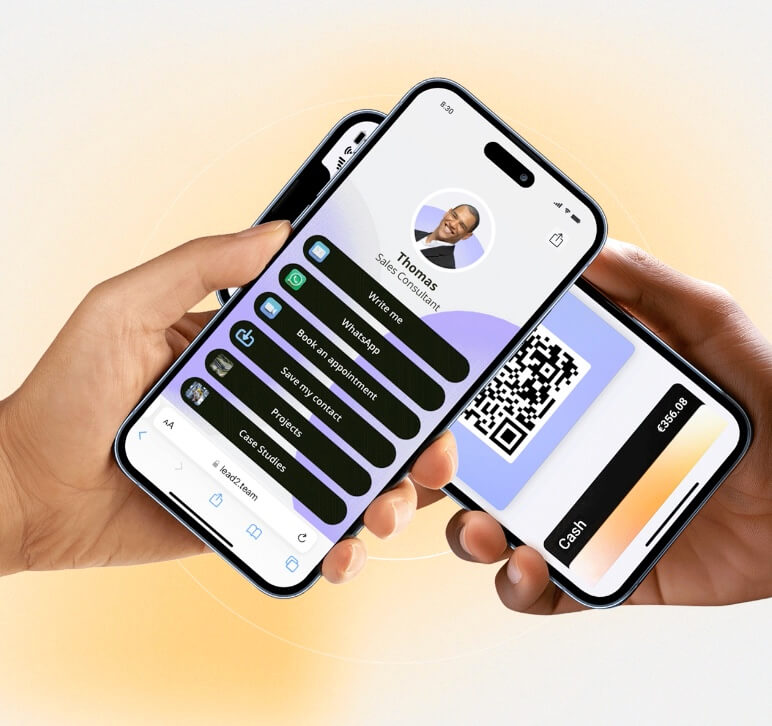




Configure the corporate social networks to include them in the footer of the digital card.
The digital card is a web page containing contact information, and the footer contains the icons of the corporate social networks.
Configurable networks
| Social network | Corporate use | Example |
|---|---|---|
| Company page | linkedin.com/company/yourcompany | |
| Corporate profile | @yourcompany | |
| Twitter/X | Corporate account | @yourcompany |
| Company page | facebook.com/yourcompany | |
| YouTube | Corporate channel | youtube.com/c/yourcompany |
| TikTok | Corporate profile | @yourcompany |
How to configure
- Go to Configuration > Company and locate the social network fields
- Enter the URLs of your corporate profiles
- Save changes
💡 **Tip:** Corporate networks appear in the footer of all cards. If you change one URL, it is automatically updated in all.