Guide · Digital Business Card
Digital business card: best apps and platforms [2026 ranking]
![Digital business card: best apps and platforms [2026 ranking]](/_next/image?url=https%3A%2F%2Fassetsweb.lead2team.com%2Fwp-uploads%2F2024%2F07%2FLead2Team-tarjeta-de-visita-digital-5-1024x582.jpg&w=3840&q=75)
2026 comparison of digital business card apps, or virtual card apps, for companies: features, pricing, pros and cons, from a team's point of view.
When choosing a digital business card platform, what matters most is centralised team management, brand customisation, CRM integrations and contact measurement — beyond price. Below we compare the most-used platforms in 2026 with their strengths and limits. Lead2Team is built for companies with teams that need brand control and scale.
Digital business cards are trending for a reason – they offer capabilities that go beyond traditional paper cards, enabling more modern, measurable and secure networking with better results.
If you search Google for “vcard”, «digital card» or “digital business card”, you will find various platforms that let you create a card at no cost. However, some platforms stand out from the rest and can offer greater benefits to your business. If you would rather start with what a digital business card is, how it works and what it brings to a team, we cover that separately.
Below we compare six platforms for creating digital cards: what they do well, what they charge and where they fall short.
If the decision is for a team, there are three things to check on every platform before the price: whether there is a panel to onboard the whole company, whether brand design is applied per team, and whether contacts land in your CRM. In Lead2Team that is the digital card for teams; request a demo and we go through it with your own data.
What should you consider when looking for digital card software?
- Easy to use. The platform should be intuitive and allow cards to be created quickly and easily.
- Customization and design templates. Look for platforms that offer attractive templates and the ability to customize the card to align it with your brand.
- Resources you can integrate into the card. The digital card should be a window into your whole company and the services you offer. Beyond the basic contact details, choose one that lets you add visual and marketing content. Every business sector has its own needs. Get inspired by some examples and designs of digital cards for different businesses.
- Easy data sharing. Make sure it is easy to share your digital card by email, SMS, WhatsApp or through a QR code.
- Analytics. The best digital business cards let you track who visits you and how they interact with your card. This gives you real-time insight into which marketing resources attract the most attention.
- Contact management and integrations. Choose a platform that stores the generated contacts in an organized way to make follow-up easier, and if it also offers the option to integrate with the company CRM, all the better for centralized management.
- Security and privacy. It is important that the platform meets the privacy standards for your data and your customers data. Some platforms even offer an “accept the privacy policy” checkbox to request consent from your contacts for later follow-up.
- Price. Platforms that let you create a business card at no cost tend to be too basic. Look for a platform that lets you try all the features and that offers different monthly or annual packages. Whether you are a freelancer, the manager of a small business or part of a large corporation, there are plans to suit every profile.
- Customer support. In the digital environment, having a support team is invaluable. It is important that they can assist you in your language, respond to issues and provide an onboarding system with tutorials and usage tips.
Ranking of the 6 most widely used digital business cards on the market
1. Lead2Team
Lead2Team is a platform suited both to professionals and to companies that manage teams. It offers a 7-day trial with all features active, so you can explore the tool without limitations and see how it fits into your day-to-day.
Its interface is simple and lets you share the card in any setting —digital, in person, via QR or NFC devices. If the technology is new to you, we explain what an NFC card is and how it works.
Its interface is simple and lets you share the card in any setting —digital, in person, via QR or NFC devices.
⭐ Stands out: The admin dashboard for companies.
- Bulk editing of cards with the Excel view,
- Templates for teams,
- Custom fields,
- Onboarding email to send the card to employees,
- and centralized control of all the team information.
If managing the company business cards is your headache, Lead2Team is for you.
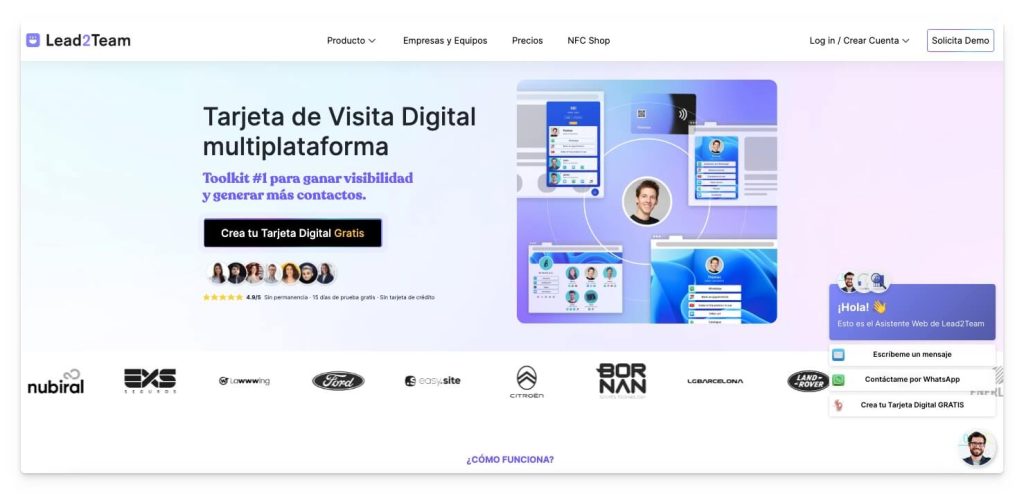
Main features of Lead2Team
✅ Very easy to use: you can create cards and make changes very quickly. Users highlight its management through the «Excel» view, which lets you manage card content as if you were in a spreadsheet.
✅ Team templates: this feature is a differentiator. It does not matter whether you have 5 cards or 1,000. You can create templates that you then apply across the whole company, so you update the data just once.
✅ More than 20 design templates, with customization of the logo, colors and background image of the card.
✅ Highly interactive. It allows the embedding and playback of YouTube videos, catalogs or appointment schedulers such as Calendly and Outlook within the card itself.
✅ Digital formats: link with a custom domain, Wallet for Android and iPhone, unlimited QR code generator, email signature with QR
✅ Physical formats: you can complement the digital card with a physical NFC card, with a manager included in the platform, and a Web Assistant.
✅ The card can be set up as a vCARD and a REVIEWS capture tool.
✅ Web Assistant: it lets you embed the digital card on your website as a help button for visitors, very useful for humanizing contact through the web and improving the conversion of visits.
✅ Set-up service for companies of any size: they configure the account and create all the company profiles, removing worries for the customer.
✅ Video tutorials that make setup easier and help you learn how to share the digital card.
✅ It includes an NFC card manager, which makes it easy to reuse physical cards within the team in a single click.
✅ 7-day trial.
✅ No app is required, nor does the other person have to download anything for you to send them your contact.
Pricing:
Per-user plans with a discount on the annual plan and tailored Enterprise plans; NFC cards are bought separately. Current prices are on the pricing page.
Cons:
❌ It is built for teams: if you only need one individual card, much of the dashboard (team templates, Excel view, bulk onboarding) will be more than you need.
2. UNIQODE
UNIQODE is a useful tool for anyone who wants to create a digital business card at no cost, tailored to their taste and needs, and to gain a different way of staying in touch with their customers. This platform stands out for its versatility and customization options.
⭐ Stands out: Its versatility and design options.
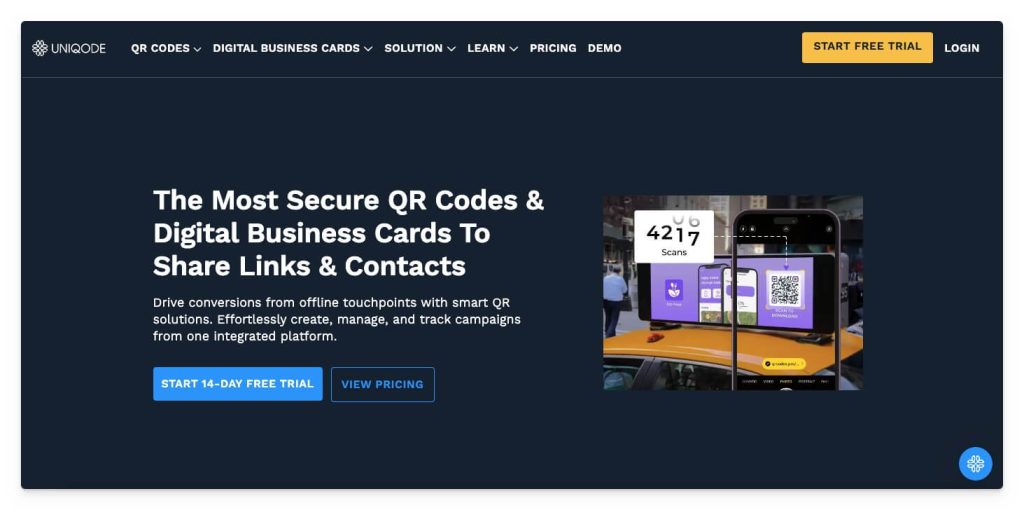
Main features of UNIQODE
✅ It includes a QR code generator.
✅ It allows you to create multiple cards in bulk, making it easy to create several profiles at once from an Excel file.
✅ Templates and customization options for both the digital card and the QR code, adapting to the needs of each user or company.
✅ Support via chat or email.
✅ Visual organization of contacts, improving the follow-up of professional relationships.
Pricing:
- Its packages cost €6/month/profile.
Cons:
❌ It does not offer a no-cost version. When you register, you must enter payment details to try the tool.
❌ It only offers ANNUAL payment, which can be a disadvantage for small businesses or professionals looking for an option with no upfront cost.
3. QRcodeChimp
QRcodeChimp is a platform specialized in generating QR codes for various purposes, such as pet identifiers, coupon generators and digital business cards. This platform is convenient both for individuals who want to improve their access to customer contact and their professional image, and for companies looking to create cards and analyze information at scale.
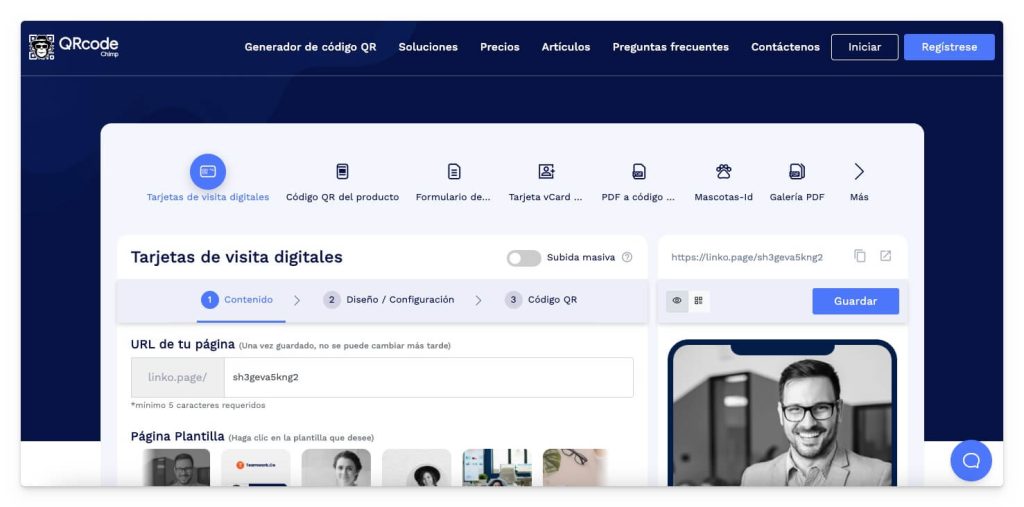
Main features of QRcodeChimp
✅ Professional card designs and the ability to create digital cards in bulk, which makes it easier to create profiles for companies with large teams.
✅ It specializes in generating QR codes that point to any link.
✅ A simple, easy-to-use interface, which makes it easy to create and manage cards and QR codes even for users with no technical experience.
Pricing:
- It offers a no-cost version with basic features, suitable for personal use.
- Paid plans from €9.99/month/user, offering access to additional features and advanced customization options.
Cons:
❌ The advanced and customization features require a paid plan.
❌ Its specialty is QR codes, and its digital cards perform in a more basic way.
4. CamCard
CamCard is a mobile app designed for creating, managing and sharing digital business cards. It lets you sync information across different devices and stay on top of the changes your contacts make to their cards. It is especially suitable for companies with 10 or more members that need to manage internal information, at the level of tasks, communication and role updates.
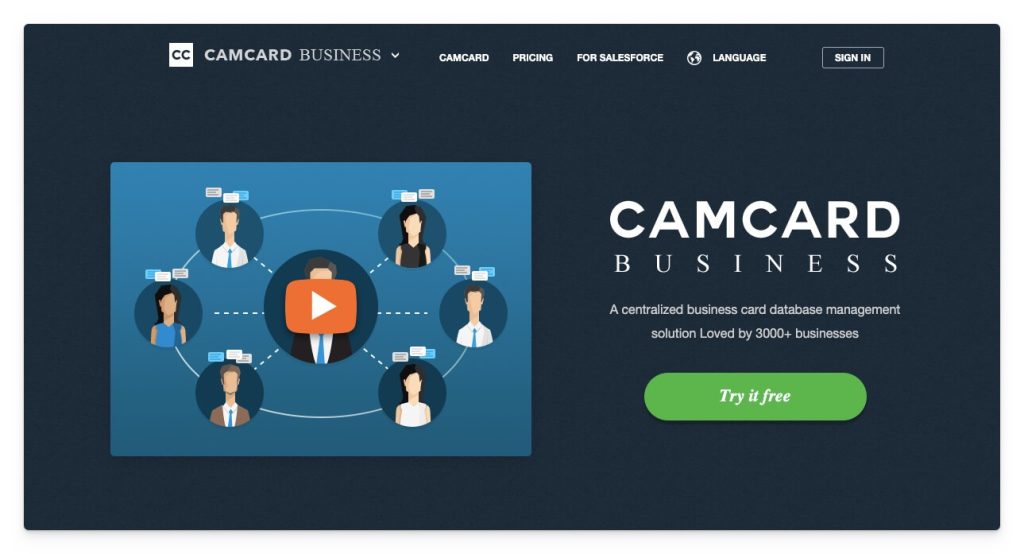
Main features of CamCard
✅ Designed for teams and companies, making it easier to organize and manage contact information visually.
✅ Ideal for assigning tasks and sending announcements, which improves collaboration within the company.
✅ It includes an OCR reader for physical cards.
Pricing:
- When you create a Company Administrator account, a 30-day trial begins with access to the features of the paid plans.
- The paid plans cost €25 and €21 per user per month, respectively.
Cons:
❌ The cost can be high for small businesses or independent professionals that do not need all the advanced features.
❌ It requires an app.
5. Know.ee
KNO.WEE is a versatile platform designed for the efficient creation, storage and management of contact data. With Know.ee, your contacts can easily access your card to add you on their smartphone.
Ideal for personal use, independent professionals and small and medium-sized enterprises (SMEs) looking to organize their contacts and improve both internal and external communication.
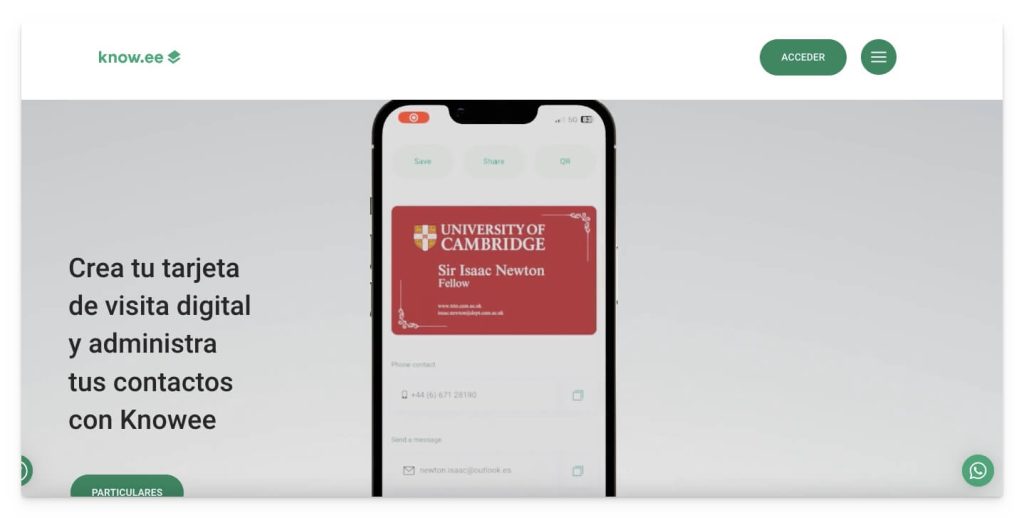
Among the most notable features of Know.ee are
✅ Synchronization of cards with mobile devices and Outlook for quick access and updating of contacts.
✅ Use of filters to locate digital cards easily and quickly within the system.
✅ High security standards to guarantee the confidentiality of personal and contact data.
✅ More than 30 templates available and the ability to include the company logo on the digital card.
✅ Tutorials for adding your digital card to various platforms.
Pricing:
- A no-cost plan available for freelancers or self-employed workers with basic features.
- Paid plans from €2.49 per user per month, offering additional data control and management features for business users.
Cons:
❌ The no-cost plan is very limited, suitable for personal rather than professional use.
6. Mobilo
Mobilo is an excellent option with plenty of analytics and tracking capabilities. This platform focuses on NFC cards linked to its digital card software. However, for the individual business professional, customization is fairly limited and some features could be considered excessive.
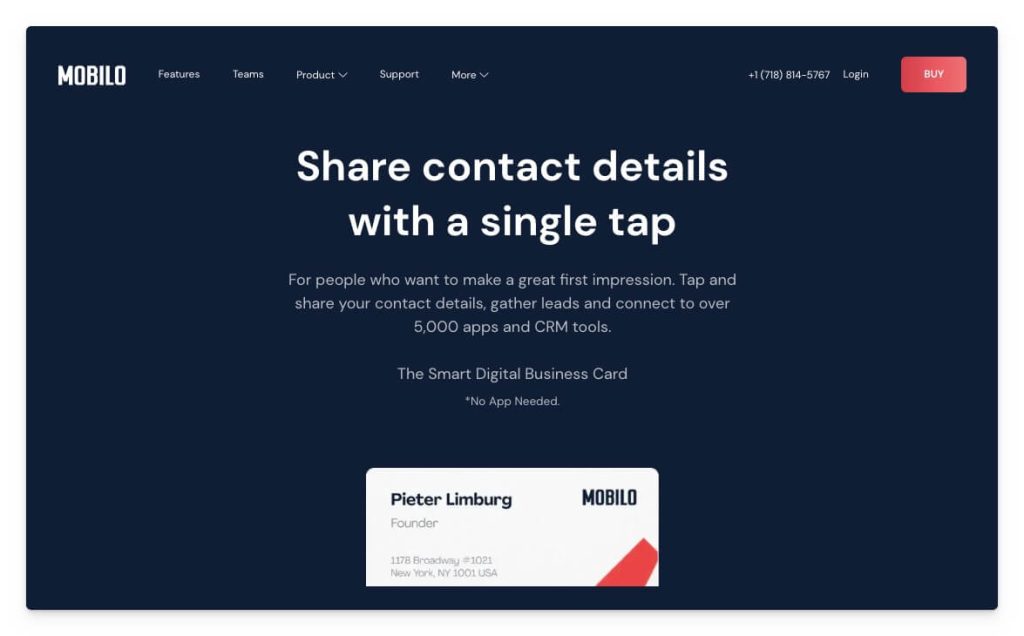
Main features of Mobilo
✅ Two card formats: NFC and QR code.
✅ Easy real-time updating of your contact information.
✅ A range of NFC devices: cards, keyrings, wristbands..
✅ Creation of email signatures with QR codes.
✅ You can set up the card in four modes: business card, landing page, lead capture or social media.
Pricing:
- There is no no-cost option. It requires the purchase of an NFC card to have a digital profile.
- For teams, the platform costs €48/year/user.
Cons:
❌ There is no no-cost option – it requires the purchase of an NFC card to try the solution.
❌ They only offer an ANNUAL paid plan.
❌ It is not possible to add videos to the digital card.
❌ Its focus is on selling NFC products.
Looking for an alternative to HiHello, Blinq or Popl?
If you got here looking for an alternative to HiHello, Blinq, Popl, Mobilo or Innocard, the first thing to settle is who the card is for: you, or a team. Almost all of those tools were built for individual use, and they do that job well. The difference shows up when you have to onboard forty sales reps on the same brand and know which contacts each of them brought in.
If you are coming from HiHello specifically, the point-by-point comparison is in HiHello alternatives for companies with many employees.
Before you switch platforms, compare on these points (they are all in our comparison of paper, apps and a platform for teams):
- A single dashboard for the whole company: see and edit every card from one place, instead of logging into each account.
- Bulk onboarding: import the team by CSV or from the HRIS, not person by person.
- Brand control: the company sets the design and nobody can change it on their own.
- Reassigning the physical card: when someone leaves, their NFC card is reassigned instead of binned.
- Contacts into the CRM: so the lead does not stay inside the platform.
- Support and invoicing: in your language, with a Spanish or European invoice.
Plans, limits and pricing change often on every tool, so it is worth confirming them on their own website before deciding. If you want us to compare your case with your team's numbers, talk to sales.
How to choose
When you think about adopting a digital business card solution, think beyond networking and do not put limits on its potential.
Digital cards can deliver outstanding results for lead generation, but also for the sales area and the distribution of marketing resources.
Choose a platform that covers, beyond the card, the sales team's day-to-day and centralised management. If you want, you can start today to create a digital business card for yourself or for your team. What is more, by going digital, you will be helping to protect the environment by reducing paper use.
Request a demo of our Lead2Team digital card solution.
What to ask any vendor before you sign
When the digital card is for a company rather than a person, the four questions that decide the purchase are who administers the accounts, who controls the branding, how billing works when headcount goes up or down, and how contacts reach the CRM. They work for evaluating anyone on the list above, us included. Here is what Lead2Team answers:
User management
A single company account with an admin dashboard. People are added by hand, from a spreadsheet or from the HRIS, and a card is reassigned to someone else when a person changes role or leaves. There is no one-account-per-employee that somebody later has to recover.
Brand control
The company defines the template: logo, colours and the structure of the profile, with different templates per department or per brand when the group needs them. The employee fills in their details; they do not pick the design.
Pricing model
Per user, with the tiers published on the pricing page. Physical NFC cards are paid for once and add no subscription. No setup fee.
Integration and analytics
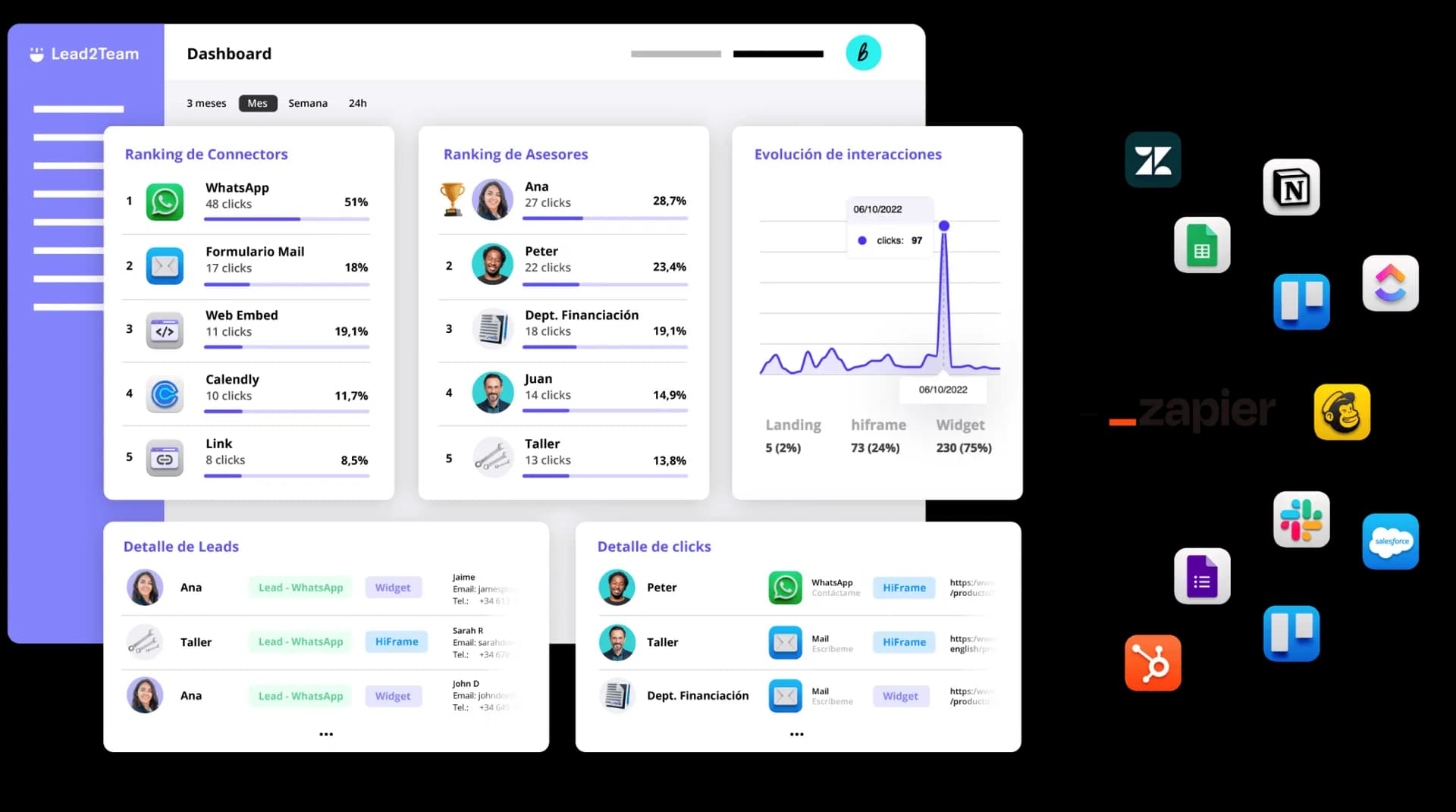
Contacts arriving through the card can reach the CRM alongside the rest of the team's leads, by direct integration, through Zapier or via API, and what happens beforehand is measured too: how often each card is opened, how many contacts each person collects and through which channel. It is the part almost nobody compares, and the part that decides whether the project can be defended internally.
If you want these four answers applied to your own case, with your team and your CRM, talk to sales.
Comparing platforms for your team?
We walk you through the panel with your case: team onboarding, brand design and contact statistics per rep. You compare with data instead of screenshots.

Common questions
What people ask most when comparing platforms
What it costs, what sets one apart from another, whether it connects to the CRM, how GDPR is handled and whether there is a lock-in.
- Which is the best digital business card?
There's no single "best" one: it depends on your case. For individual use the basics are enough; for a company with a team, what matters is centralised management, brand control, CRM integrations and contact measurement. Lead2Team is built precisely for that corporate use at scale.
- How much does a digital business card cost?
It depends on the platform and whether it's for one person or a team. With Lead2Team, one person's card is free, forever. For teams it costs €2.50 per user per month billed yearly (€2.99 billed monthly), with a 7-day trial and no credit card. Physical NFC cards are bought separately in the shop.
- Are digital business cards for freelancers or for companies?
They work for both, but management changes a lot. An individual needs a single card; a company needs to create, update and measure dozens or thousands of cards with a consistent brand image. Lead2Team is built for that corporate case —a central panel for the whole team— whereas tools aimed at the individual user fall short at scale.
- What sets Lead2Team apart from other digital card platforms?
Lead2Team isn't just a card: it's a platform to manage a whole team's contact identity from a central panel —digital cards, NFC, wallet, email signatures and lead capture— with brand control, permissions and CRM integrations. It's built for companies with teams, not for a single user.
- Does the digital card connect with my CRM?
- Yes. The contacts who receive your details or who leave theirs can go straight to your CRM, with no manual work.
- Can I manage all my team's cards from a single platform?
- Yes. From the admin dashboard you can create, edit and distribute the whole team's cards. Any change to details or design is applied instantly across all cards, without relying on each person doing it themselves.
- Is the platform GDPR compliant?
- Yes. Lead2Team complies with the General Data Protection Regulation. Data is encrypted, the infrastructure is in the EU and the cards include built-in consent management.
- Is there a lock-in period or can I cancel whenever I want?
- There's no lock-in period. You can cancel your subscription before your plan renews.
You at the center
Everything revolves around a single profile.
Change a detail once and it updates across all your contact tools.

NFC card
One tap and your contact lands on the phone of whoever's in front of you. No apps, no typing.
Discover →Wallet
Your card lives in Apple and Google Wallet, always a tap away and updated automatically.
Discover →Email signature
Your digital card in every email you send: a professional signature, consistent across the whole team and always up to date.
Discover →Team card
Thousands of consistent cards managed in minutes, with centralized design and data.
Discover →QR generator
Dynamic QR codes you edit without reprinting: change the destination whenever you want.
Discover →Web Assistant
A widget that lets people contact you from your website instantly, through the channel they prefer.
Discover →HTML card
Embed your team's live cards on your website: save contact, call or message in one click.
Discover →Review Collector
Channels happy customers to Google and complaints to a private inbox.
Discover →Check it with your own card
Seven days with every feature, to see whether it fits the way you work. No credit card.