
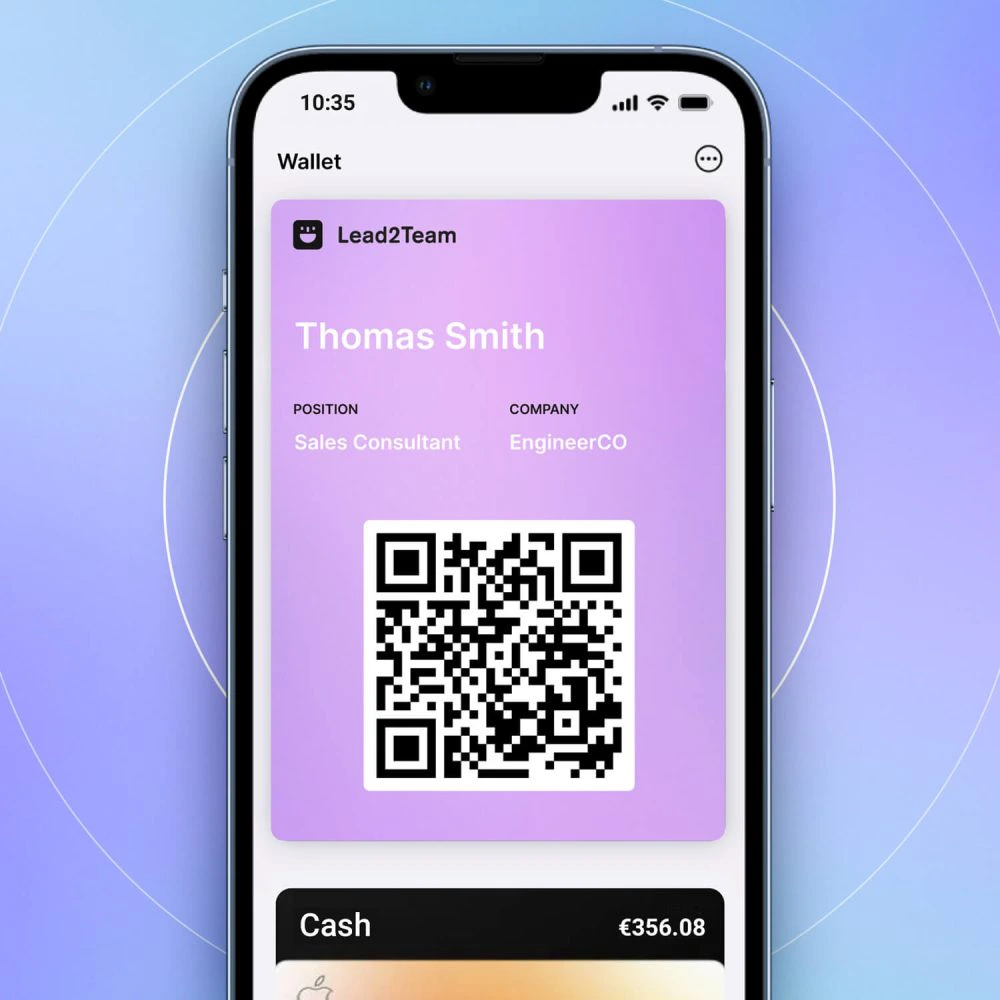
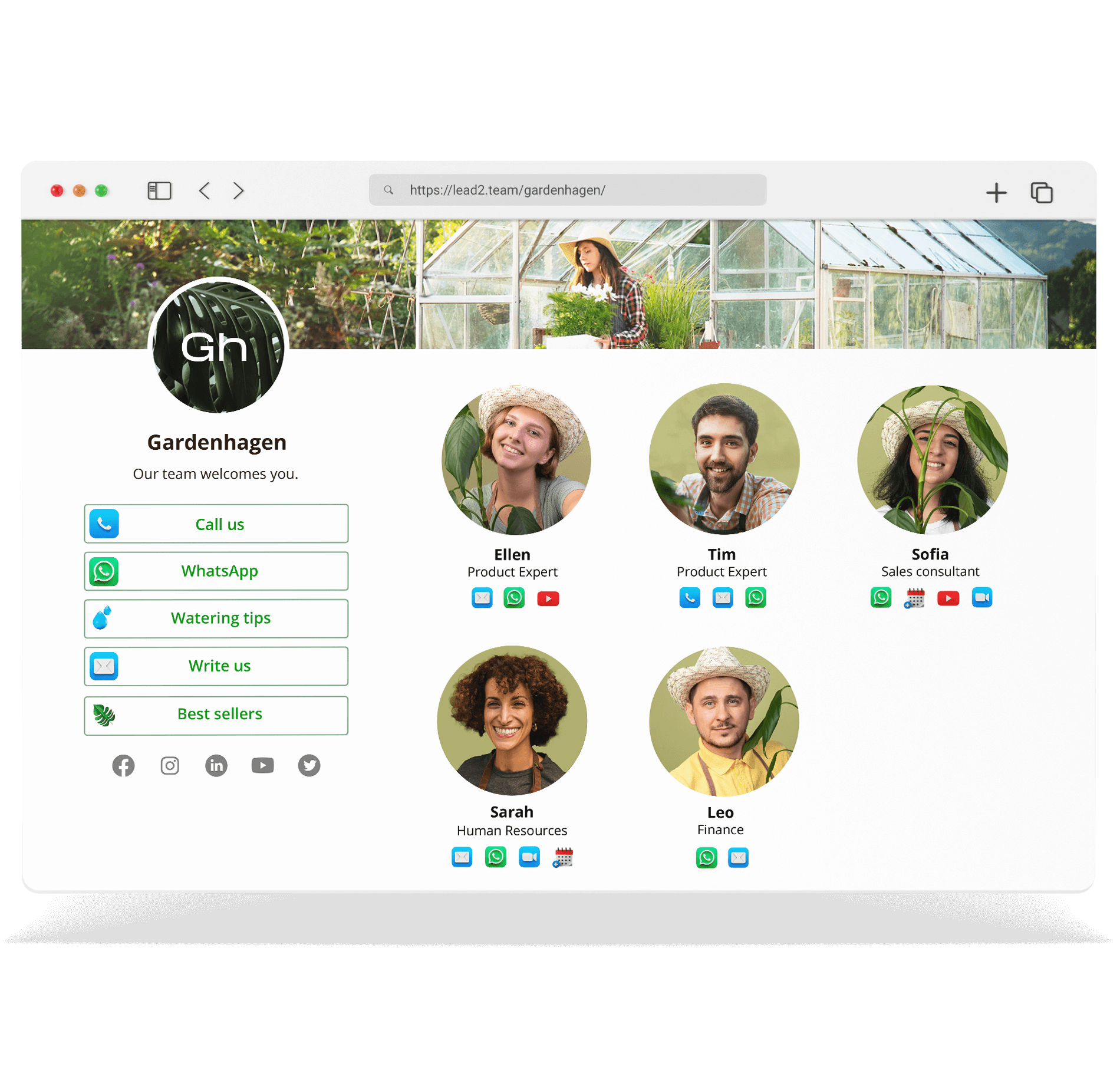


Templates (or Team Connectors) are sets of connectors that you can create once and assign to several cards. When you update the Template, the changes are reflected on all cards that use it.
⚠️ **Important:** Templates require Team Manager enabled.
What problem they solve
Without Templates, if you want 30 people to have the same connectors (web, catalog, video), you have to configure them one by one. With Templates:
- You configure the connectors once
- Applies to all cards
- If you change something, it is updated in all of them
Types of connectors in a Template
| Type | Example | Value | Customized |
|---|---|---|---|
| Dynamic | {{email}} | ✅ Take the email of each person. | |
| Dynamic | Phone | {{phone}} | ✅ Take each person's phone number. |
| Dynamic | {{linkedin}} | ✅ Take each person's LinkedIn. | |
| Static | Corporate Web | www.empresa.com | ❌ Equal for all |
| Static | PDF Catalog | link-to-pdf.com | ❌ Equal for all |
Components of a Template
- Name: To identify it (i.e. «Commercial Template»)
- Dynamic connectors: Use tags such as {{email}} and are customized per person
- Static connectors: Fixed values equal for all
- Order: The order in which the connectors appear
💡 **Tip:** Combine dynamic (personal data) with static (corporate resources) connectors to have the best of both worlds.
