
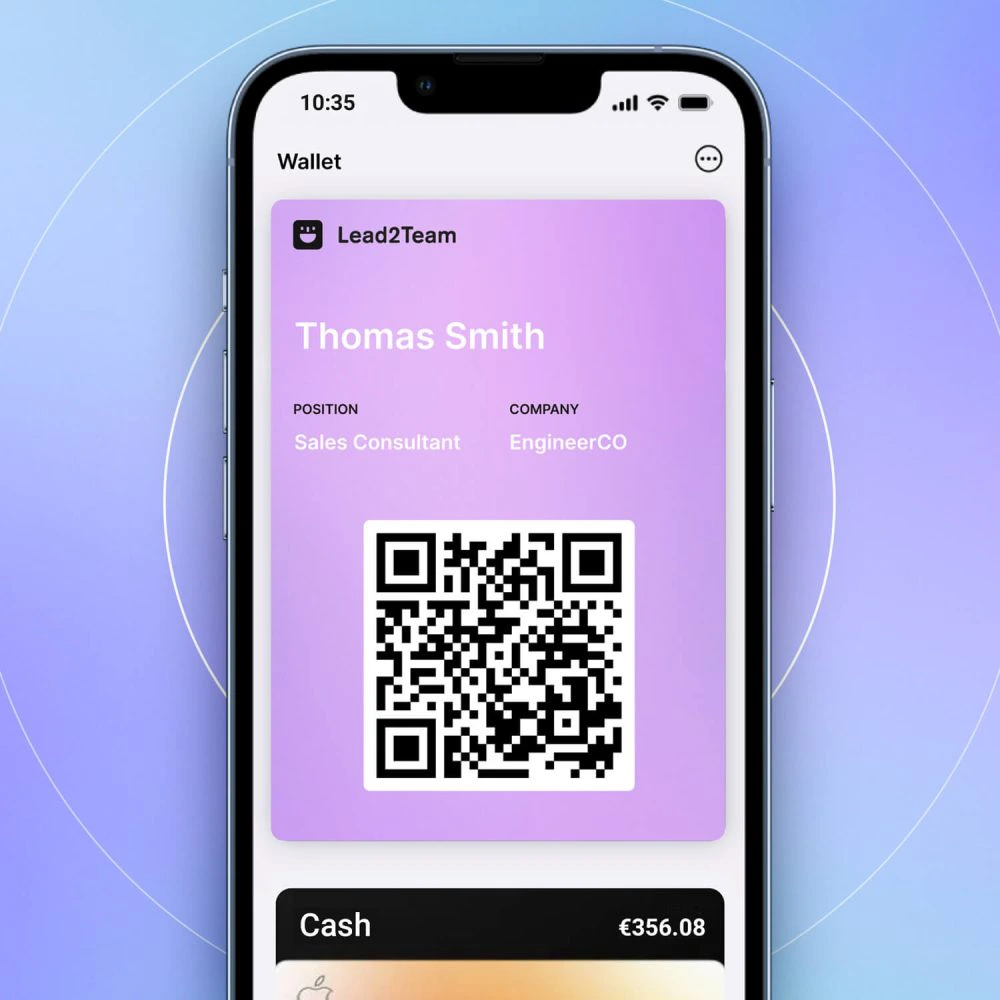



All NFC cards include a QR code on the back as a backup. When scanned, it opens the digital card.
Why backup QR exists
- Not all smartphones have NFC
- iPhones prior to 7 do not read NFC tags
- Some holsters block the NFC signal
- QR is universal: any cell phone with a camera can scan it
How to use QR
- Flip your card over to show the QR
- The other person opens his or her cell phone camera
- Focus on the QR. A notification appears to open the link
- Touching the notification opens your digital card
💡 **Tip:** At trade shows and events, QR can be faster than NFC: the person just focuses the camera without the need to physically bring the card closer.
