
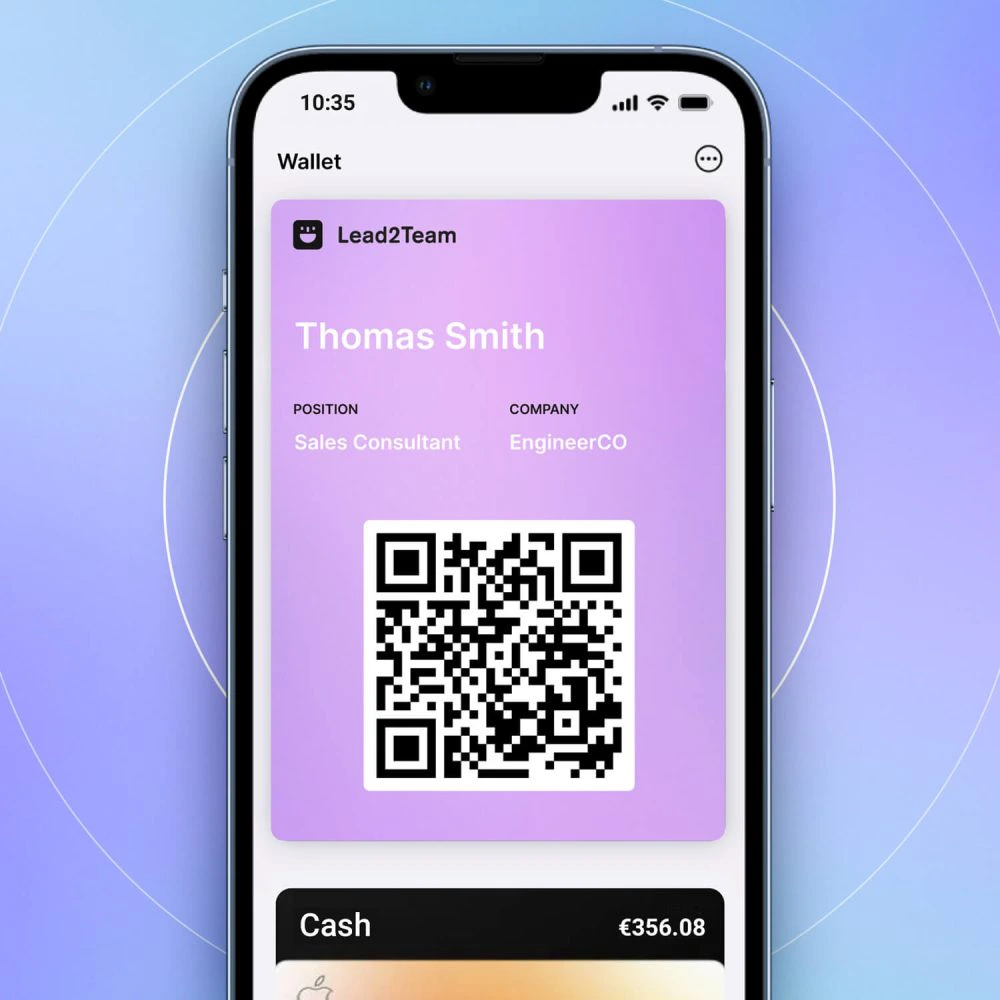



If your NFC card does not work when brought near a smartphone, here is a diagnostic guide.
Common problems and solutions
| Problem | Probable cause | Solution |
|---|---|---|
| Nothing happens when you zoom in | NFC disabled | Activate NFC in Settings > NFC |
| Nothing happens when you zoom in | Incorrect position | Move the card to the back of the cell phone. |
| Nothing happens when you zoom in | Thick sheath | Remove the cover and retry. |
| Nothing happens when you zoom in | Mobile without NFC | Use the backup QR on the backside |
| The wrong profile is opened | Incorrect linkage | Relink the card to the correct profile |
| Error page opens | Card deactivated | Verify that you are active in Lead2Team |
| Intermittent reading | Damaged NFC chip | Contact Lead2Team |
Diagnostic steps
- Verify that NFC is enabled on the receiving smartphone
- Test with your own cell phone to rule out card problems
- Move the card slowly on the back side to find the reading area.
- Remove the cover if there is
- Try another smartphone
- If nothing works, use the backup QR and contact support.
💡 **Tip:** Always have the backup QR as plan B.
