
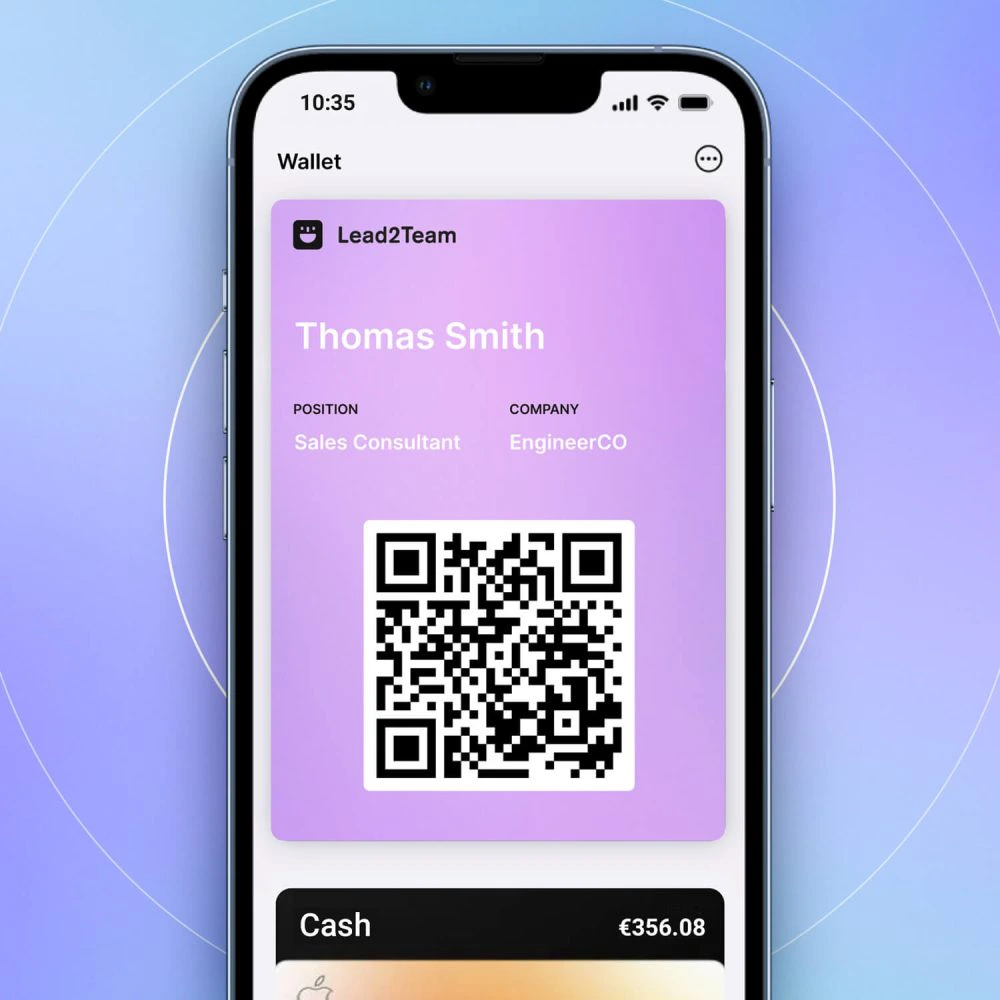
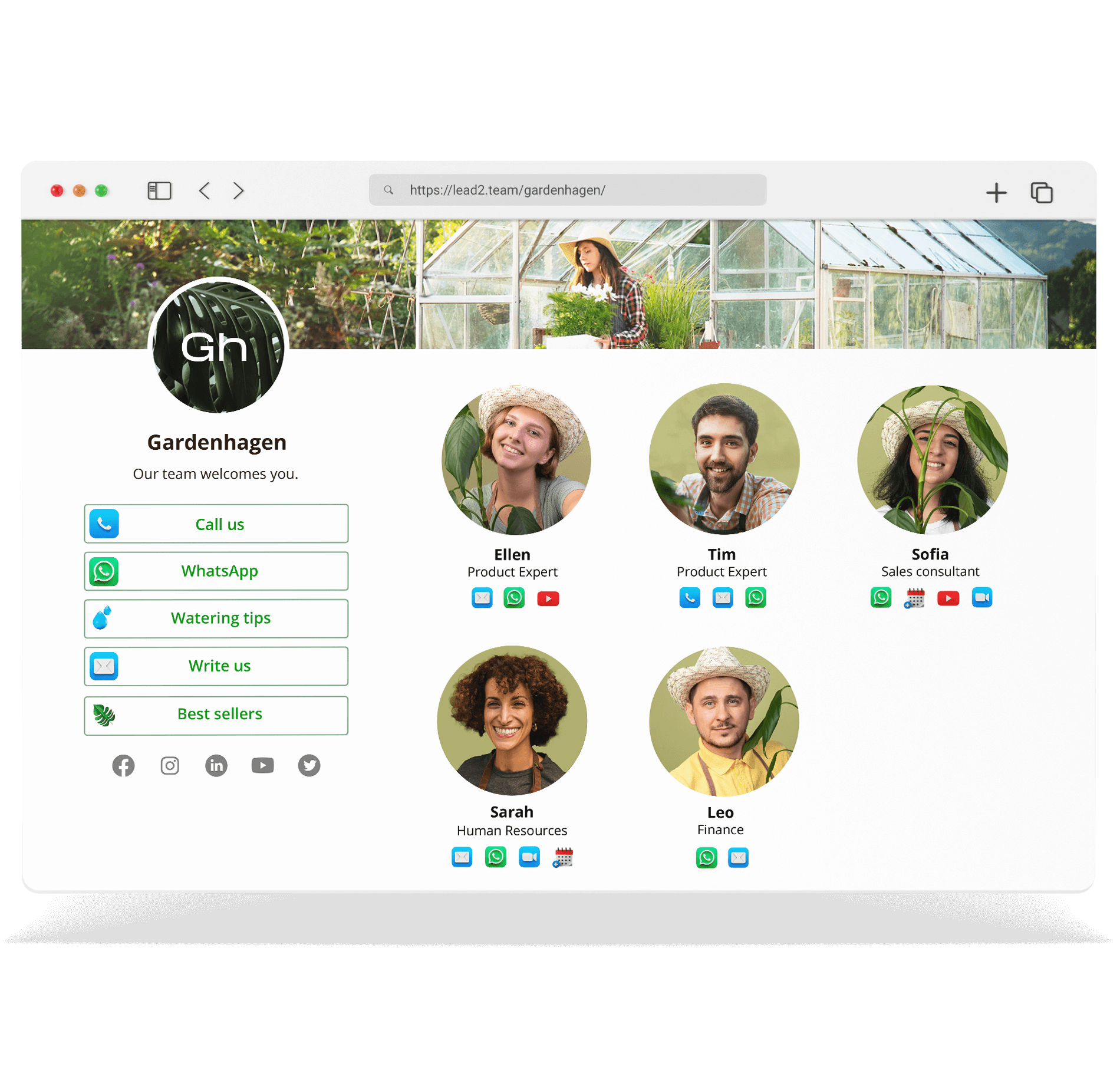


The onboarding email includes everything necessary for each member to start using their card immediately, without prior training.
Email elements
| Element | Description |
|---|---|
| Personalized greeting | «Hello, Maria.» |
| Open card button | Button leading to digital card |
| Home screen button | To download the card on the home screen of the cell phone |
| iPhone Wallet Button | To add to Apple Wallet |
| Android Wallet Button | To add to Google Wallet |
| Videotutorials | Links to videos of use |
What the person can do upon receipt
- View your digital card
- Download on the home screen of the cell phone
- Add the card to your wallet (iPhone or Android)
- Watch the video tutorials
- Share the link by email, WhatsApp or networks
💡 **Tip:** Let your team know via Slack or Teams that they will receive the email. It increases the open rate.
