
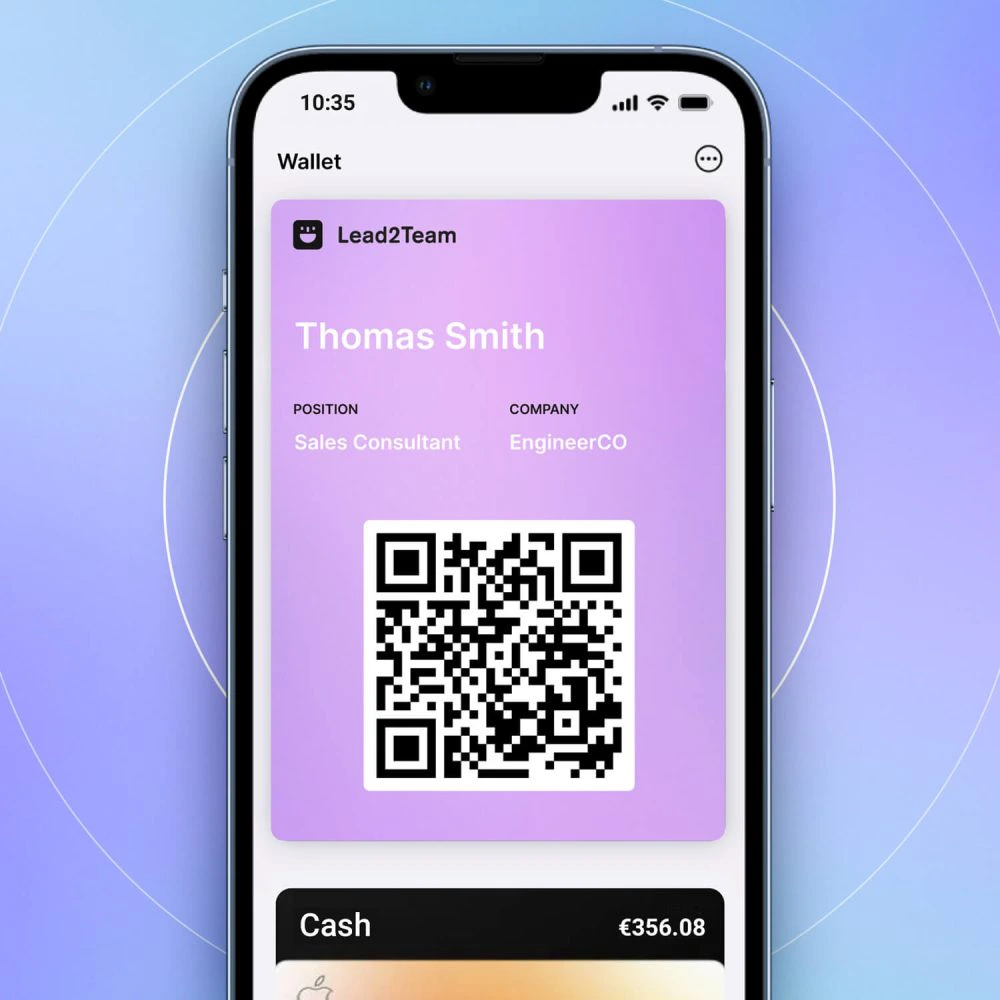



Connect Lead2Team with Google Analytics to see the visits to your cards along with the rest of your web traffic.
How to configure
- In Google Analytics 4, go to Manage > Property > Data flows and copy your measurement ID (G-XXXXXXXXX)
- In Lead2Team, go to Configuration > Integrations > Google Analytics and paste the ID
- Activates the toggle for Active monitoring and saves
- Verify integration by visiting a card and checking GA Real-Time Report
Advanced options
| Option | Description |
|---|---|
| Event tracking | Logs clicks on connectors as GA events |
| Conversion tracking | Marks completed forms as conversions |
| Internal traffic filters | Exclude your own traffic from the metrics |
💡 **Tip:** Create a specific data flow in GA for Lead2Team cards. This way you separate the traffic from the cards from your main website.
